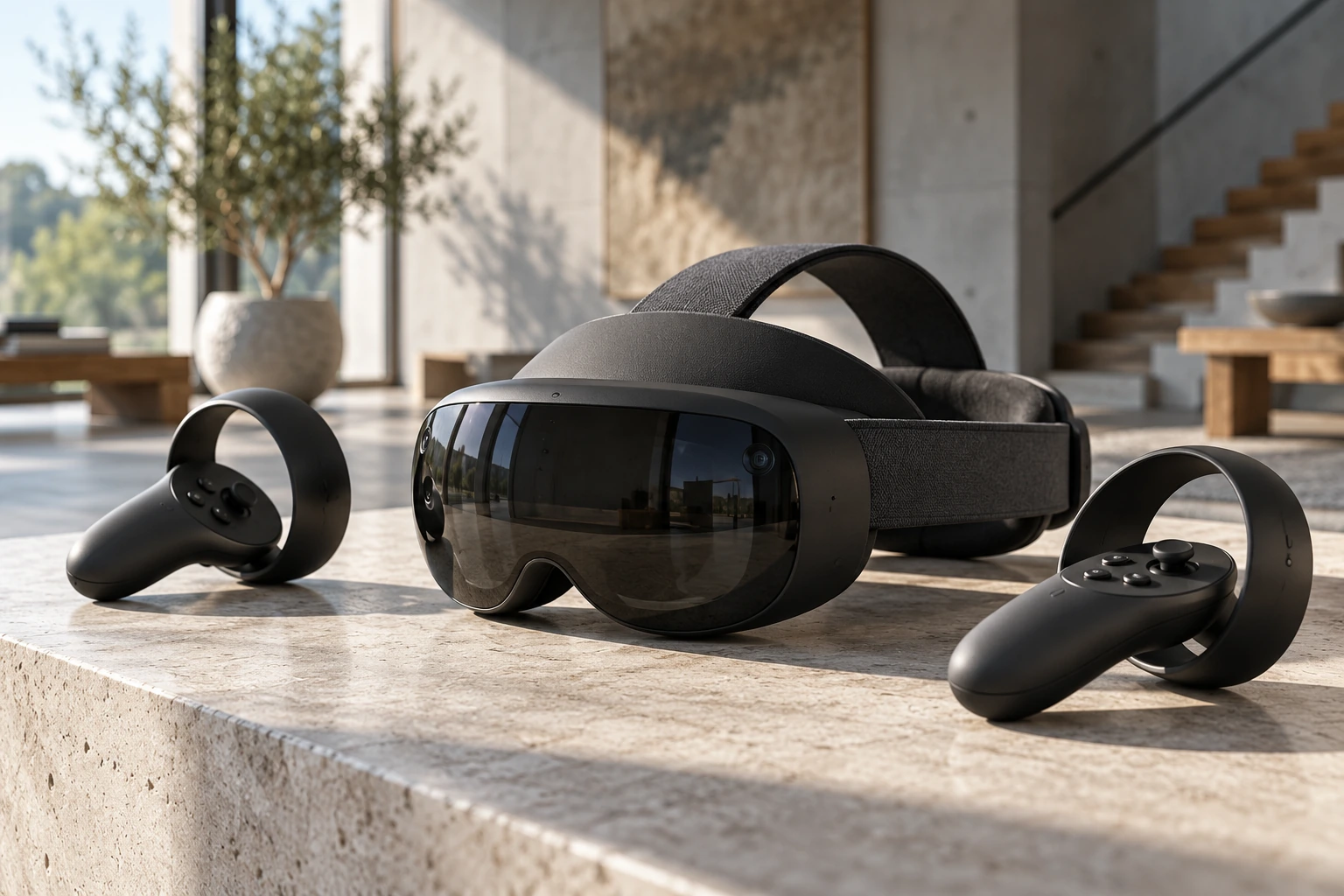
Shared virtual environments create possibilities for collaboration, training and entertainment. Web and mobile teams considering these experiences need to assess accessibility, device limits, privacy and whether an immersive interface serves a real user need.
A practical example
A furniture planner can benefit from showing the size and placement of a product in a room. A simple booking form may gain little from an immersive environment. Prototype the part where spatial interaction is useful, and keep an accessible alternative. Evaluate device support and comfort with the people who will use the experience.
Evaluate an immersive experience

| Focus | Practical approach | Check before proceeding |
|---|---|---|
| User need | Identify a task that benefits from spatial interaction. | Do not assume immersion improves every workflow. |
| Access | Offer a usable route for people without specialist hardware. | Check comfort, controls and accessibility. |
| Prototype | Test a small experience before investing in a larger world. | Device limits and network conditions affect the result. |
Should an immersive interface replace the normal website?
Only if it serves the audience's needs. In many cases it works better as an optional feature alongside a clear conventional interface.
Useful next steps
For a related perspective, read Using IoT Data in Marketing: Purpose, Context and Privacy, Edge Computing: Decide What Should Run Near the Device, Green Software: Measure Energy, Hardware and Carbon.
If you need help applying this to your business, explore our business automation services or discuss your project.
Sources and further reading
By Tech Me Today. Originally published November 23, 2023. Expanded on .
Explore all articles →